Key takeaways
- Put a tap-to-call button in the first screen on mobile, and keep it visible while scrolling.
- Be specific about hours and response areas. Vague ‘24/7 everywhere’ claims erode trust if you can’t deliver.
- Give burst pipes, sewer backups and no-hot-water their own pages, written in the words customers use.
What does a homeowner do in a plumbing emergency?
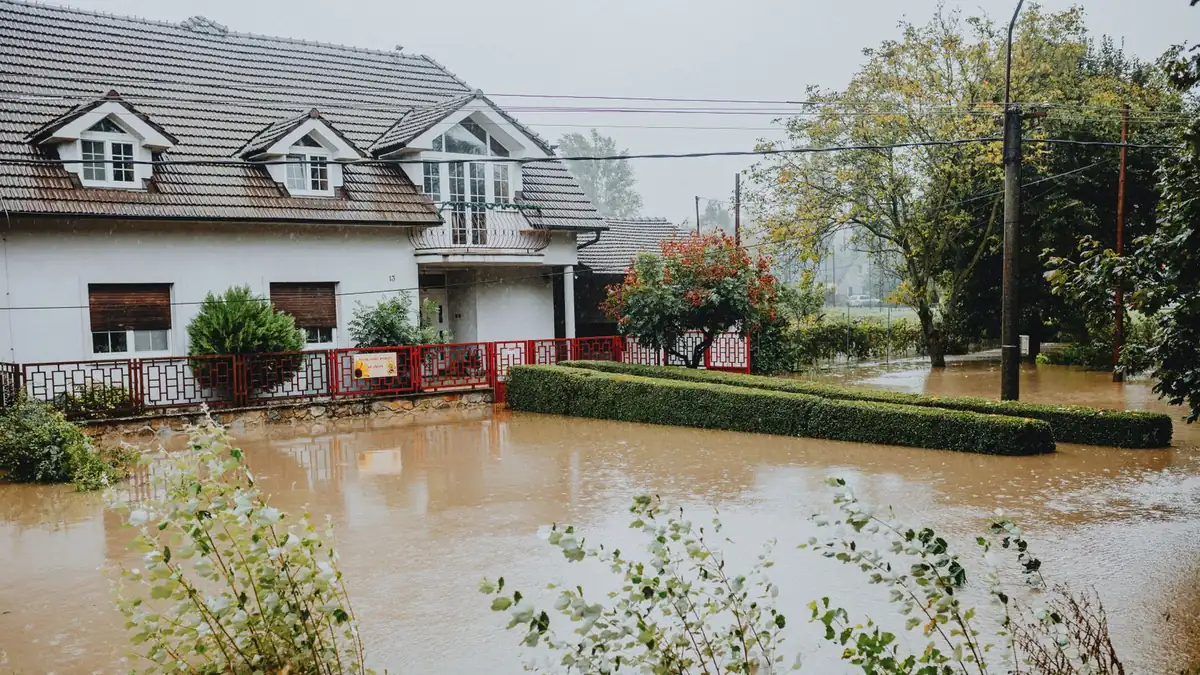
They search, they tap the first credible result, and they call. A burst pipe in a Leslieville semi or a backed-up floor drain in a North York bungalow doesn’t leave time to read a long page. If the phone number is buried below a slider or the site takes too long on mobile data, they hit back and try the next plumber in the map results.
What should be on the first screen?
- A large ‘Call now’ button with your real number (tap-to-call on phones)
- One line that says what you fix and where: ‘Emergency plumbing in Toronto, North York and Etobicoke’
- Your hours, stated plainly. If after-hours calls cost more, say so
- Your Google rating and licence details, close to the call button
Should every emergency service get its own page?
Yes, for the services people actually search by name. ‘Burst pipe repair’, ‘sewer backup’, ‘no hot water’ and ‘clogged main drain’ are different problems with different urgency. A short page for each, with what to do while they wait (for example, where to find the main shut-off valve), is more useful than one generic ‘Services’ list, and it gives Google a clearer page to show for each search. Our plumber website builds include these pages by default.
How do I show I can actually get there fast?
Name the areas you cover from your base, and only the ones you really serve quickly. If you’re based in Etobicoke, say you cover Etobicoke and nearby neighbourhoods rather than claiming the entire GTA. Google’s own guidance says local results weigh relevance, distance and prominence (Google Business Profile Help (opens in a new tab)), so being clear and honest about distance helps both customers and rankings.
How do I know the site is bringing in emergency calls?
Track calls and form submissions from the site so you can see which pages produce jobs. Every site we build includes click-to-call tracking. If the emergency pages aren’t producing calls, it’s usually the first screen, the speed, or the wording, and all three are fixable.
Tip: Quick test: open your site on your phone with Wi-Fi off. If you can’t find and tap your phone number within a few seconds, neither can your customers.
Frequently asked questions
Should a plumber’s website say ‘24/7’?
Only if you really answer the phone 24/7. If you offer limited after-hours service, say exactly when, for example ‘Emergency calls until 11 p.m., 7 days’. Honest hours lead to fewer frustrated callers and fewer bad reviews.
Do emergency plumbing pages need prices?
You don’t need a full price list, but explaining how you charge (call-out fee, hourly or flat rate, after-hours premium) answers a question every caller has and filters out people who only want the cheapest option.
How fast should an emergency plumbing site load?
As fast as possible on mobile data. Google’s Core Web Vitals give useful targets; you can test any page free with PageSpeed Insights.
Sources & further reading
- Google Business Profile Help (support.google.com)
Programs, rules and platform guidelines change. Always check the official source before acting. This article is general information, not legal advice.