Sample designContractorsPortfolio card grid
Oakframe Renovations
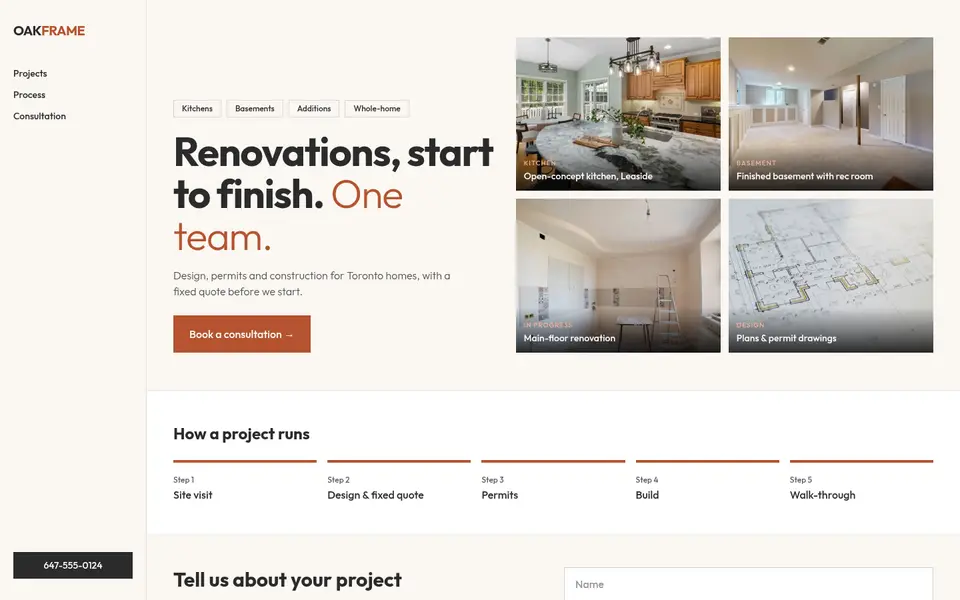
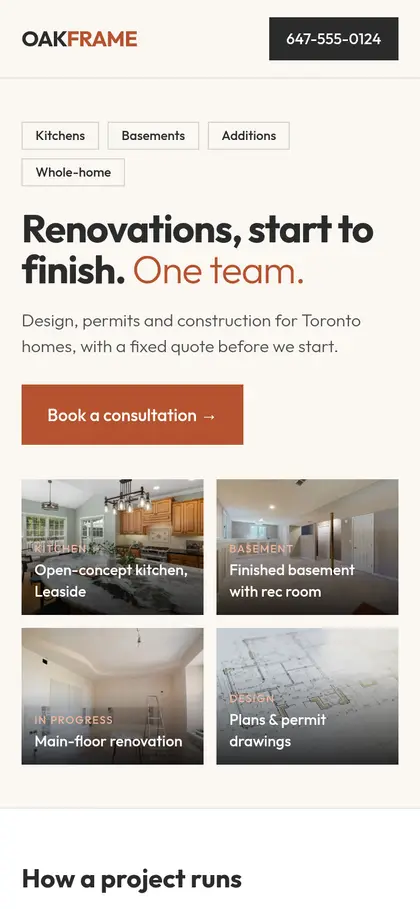
Project-led contractor site: side navigation on desktop, a portfolio grid hero and a horizontal process.
View full sample →
Analytics & ad pixels stay off unless you accept. Essential, anonymous logging only.We use essential, anonymous logging to keep this site working. With your OK we’d also use analytics and ad pixels (Google, Meta) to understand visits. Nothing non-essential loads until you accept. Privacy
Websites for contractors & renovators
Renovation leads are large and slow to close, so a contractor’s site should pre-qualify as well as attract: show a portfolio by project type, explain your process and typical timelines, state the kinds of budgets you work with, and use a quote form that asks the right questions so you spend time on serious homeowners.
⏱ Free preview of your new website in 24 hours, or your first month is free. Terms
Included on every plan · Fully lead-optimized
Your renovation site comes fully lead-optimized: a quote form that asks project type, rough budget and timing, so you hear from serious homeowners first, plus tracking on every inquiry. Tracking is built in: Google Analytics, your Facebook or Google Ads pixel, and every lead sent straight to your email, phone or CRM.
Search intent
These are the kinds of searches your website should be built to answer. Each one is a page, a section or a call to action on a well-planned contractor site.
Must-haves
Kitchens, basements, bathrooms and additions as separate galleries with short write-ups.
Consult → design → permits → build → walkthrough, so homeowners know what working with you looks like.
Project type, rough budget range and timing. Fewer tire-kickers, better conversations.
A page on secondary suites/basement apartments and permits, which Toronto homeowners actively research.
No website vs. website
An illustrated scenario with a fictional business, Oakframe Renovations.
Oakframe Renovations
4.7 ★★★★★ (41)
General contractor · Toronto, ON
Closed · Opens 8 a.m.
Only Call and Directions. Nothing to read, nothing to fill in, and nobody picks up after hours.
Oakframe Renovations
4.7 ★★★★★ (41)
General contractor · Toronto, ON
Closed · Opens 8 a.m.
Generic illustration of a local search listing. Not any search engine’s actual interface.
Pre-filled with example numbers. Replace them with yours. Find your profile views and searches in the Performance section of your Google Business Profile (Google’s help page explains each metric).
Example: replace with your number.
Example: your best guess.
Example: your usual close rate.
Example: your typical invoice.
Missed leads / month
30
≈ 4.5 jobs you’d close
Missed revenue / month
$36,000
Missed revenue / year
$432,000
This is an estimate based on the numbers you entered, not a guarantee.
How it’s worked out: views × % who leave = missed leads; missed leads × % you’d close × average job value = missed revenue.
Get my free preview in 24 hours →Sample designs
Every site is designed from scratch for that business, so no two clients in the same trade look alike.
Project-led contractor site: side navigation on desktop, a portfolio grid hero and a horizontal process.
View full sample →
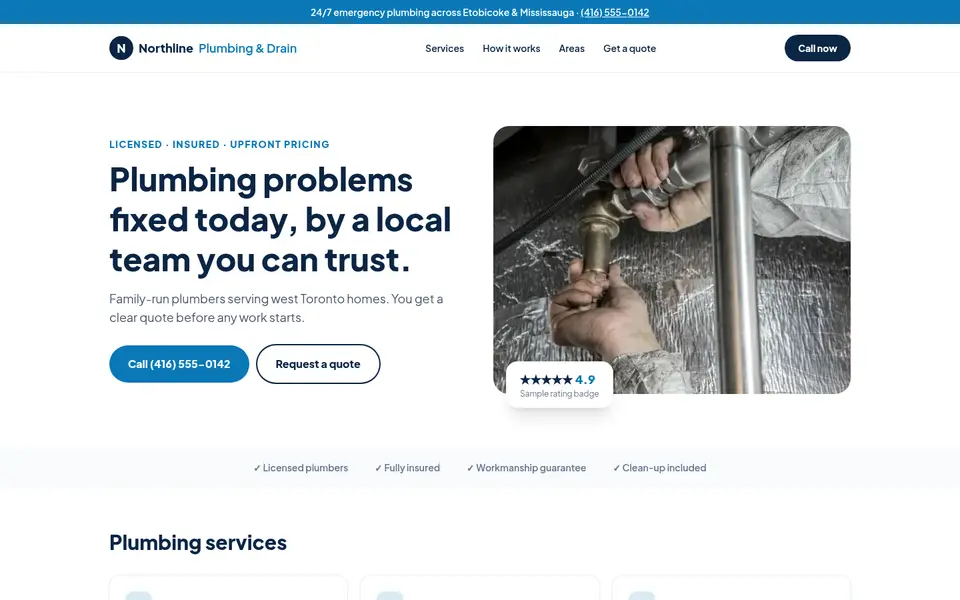

Clean corporate look for a family plumber: emergency strip, split hero with a rating card, and a quote form up top.
View full sample →


Same trade, opposite feel: giant condensed headlines, hard edges, numbered service rows and black-and-white photography.
View full sample →
All businesses shown are fictional sample designs. Photos: Pexels (free licence), credited on each sample.
Homeowners plan renovations in winter and want to start in spring. A site that captures planning-stage leads in January fills your summer schedule.
$500 CAD one-time to own it, or $0 upfront and $100 CAD/month on a 12-month managed plan. Plus HST where applicable.
Pay once. The site is yours.
Included: fully lead-optimized
$500CAD, one-time
Best if you already have hosting or want full control.
Start with Build & Own$0 upfront. We host, secure and update it for you.
Included: fully lead-optimized
$0upfront, then$100/mo
12-month agreement, CAD. Best if you want it done and handled.
Start with $0 upfrontIncluded on every plan: fully lead-optimized
Tracking built in: we connect Google Analytics, your Facebook or Google Ads pixel, and send every lead straight to your email, phone or CRM, included in every plan.
Included setup covers Google Analytics 4, installing your existing Meta (Facebook) or Google Ads pixel, call and form tracking, and lead notifications forwarded to your existing email, text (SMS) or CRM. When tracking is installed, every client site also includes a plain-language privacy policy and a cookie notice that holds analytics and ad pixels until the visitor accepts.
Quoted per project
Ad campaign tracking and CRM automations available as add-ons. The tracking included in every plan covers the basics; these are for businesses running ads or wanting automated follow-up.
Full ad conversion tracking
Meta Conversions API, Google Ads conversion events and offline/lead conversion setup for running campaigns.
Custom CRM workflows
Automations such as lead routing, follow-up sequences, pipeline stages and integrations beyond basic lead forwarding.
Ad management
Planning, launching and managing Google or Meta ad campaigns.
⏱ Free preview of your new website in 24 hours, or your first month is free.
Preview delivered within 24 hours of a complete request (business name, phone, trade and service area), counted from when we receive it (the clock pauses while we wait on any missing info from you). If we miss it, your first month on the $100/month Managed plan is free, or $100 off the $500 Build & Own site. One per business. No obligation to buy.
FAQ
A ‘typical project range’ or ‘projects we take on start from…’ line saves you hours on calls that will never close. It’s your call. We can add or hide it anytime.
Instagram is great for showing work, but it doesn’t rank well on Google for searches like ‘basement renovation Scarborough’, and it can’t qualify leads. A website does both and can embed your Instagram feed.
Yes. A clear, well-structured page about secondary suites can answer the questions homeowners research and position you as the contractor who knows the permit process.
Yes, on every plan ($500 Build & Own and $100/month Managed). Included setup covers Google Analytics 4, installing your existing Meta (Facebook) or Google Ads pixel, call and form tracking, and lead notifications forwarded to your existing email, text (SMS) or CRM. When tracking is installed, every client site also includes a plain-language privacy policy and a cookie notice that holds analytics and ad pixels until the visitor accepts. Full ad conversion tracking (Meta Conversions API, Google Ads conversion events) is available as an add-on, quoted per project.
Yes. Every plan includes sending each new lead from your site straight to your existing email, phone (text/SMS) or CRM, so nothing gets missed. Custom CRM workflows and automations, like lead routing, follow-up sequences or pipeline updates, are available as add-ons, quoted per project.
No. Every site is designed from scratch for that business, so no two clients in the same trade look alike. Layout, fonts, colours, navigation, photos and wording are chosen for your business, not copied from a template another client already uses. See our sample designs: two fictional plumbers that look nothing alike.
What contractors & renovators need from a website changes a little from one part of the GTA to the next. Here’s what we focus on in each area.
Basement underpinning, secondary suites and full gut renos on narrow lots are typical high-value jobs.
Toronto web designBasement secondary suites are among the most researched renovation projects here.
Scarborough web designCondo renovations with building approvals and large custom-home projects sit side by side.
North York web designKitchen and basement renovations in established neighbourhoods are high-ticket jobs.
Etobicoke web designBasement finishing and kitchen updates in mid-age suburban homes are steady work.
Mississauga web designFinished basements and high-end kitchens in newer homes are common projects.
Vaughan web designKitchen, bathroom and basement projects in newer master-planned communities.
Markham web designWe’ll build it from your Google profile and reviews and send it within 24 hours, or your first month is free. You only pay if you want to keep it.
Free guides
Contractors & Renovation · 3 min read
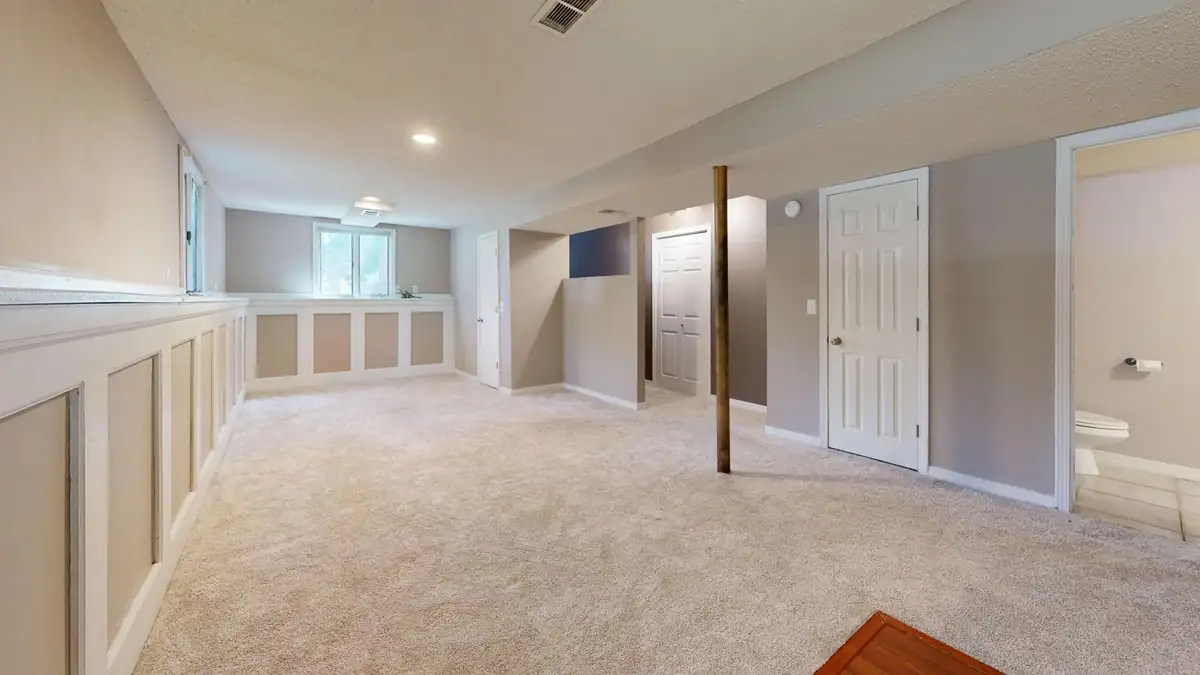
How Toronto contractors can write basement suite pages that attract serious homeowners: permits, process, timelines, budgets and the City’s housing rules.
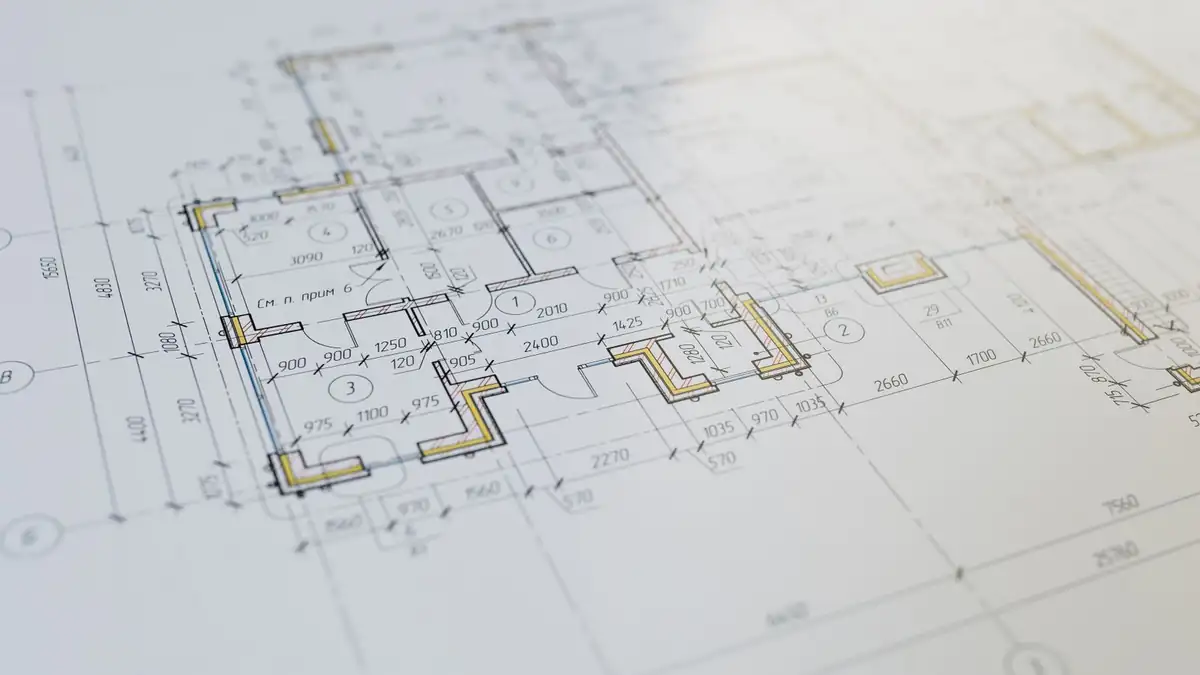
Contractors & Renovation · 3 min read
How Ontario’s rules on written renovation contracts, estimates and cooling-off periods can become trust-building content on a Toronto contractor’s website.

Contractors & Renovation · 3 min read
How Toronto and GTA contractors can build pages for garden suites, laneway suites and home additions that explain the process and attract qualified, high-value inquiries.
Tell us about your business and we’ll build a private preview of your new site within 24 hours. Keep it or walk away.