Sample designElectricalBento grid, tech
Voltline Electric
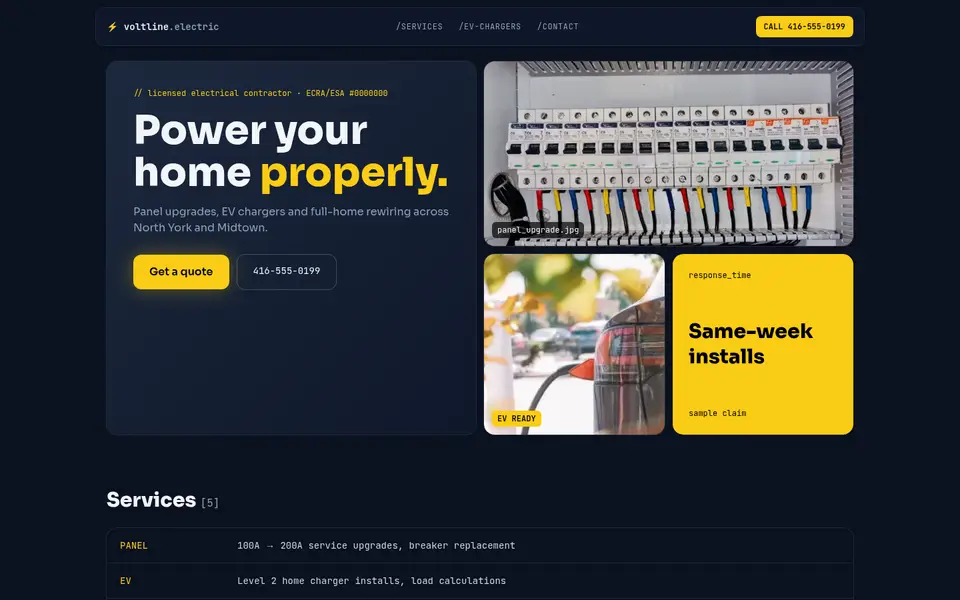
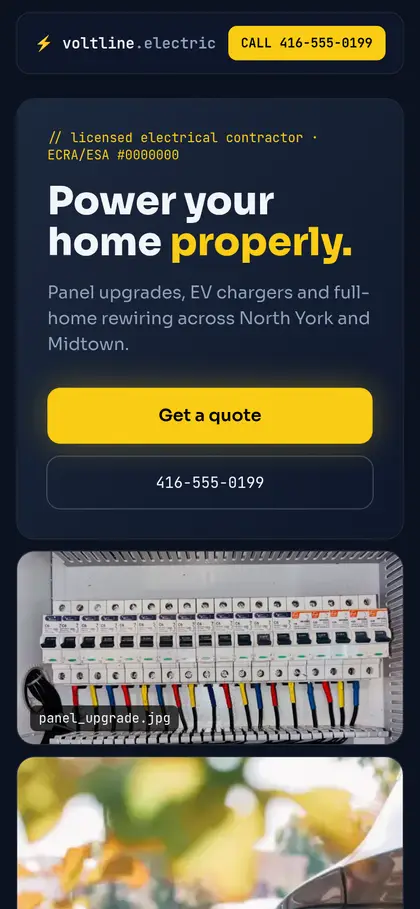
Modern electrician: dark bento-grid hero, monospace details, EV-charger and panel-upgrade tiles.
View full sample →
Analytics & ad pixels stay off unless you accept. Essential, anonymous logging only.We use essential, anonymous logging to keep this site working. With your OK we’d also use analytics and ad pixels (Google, Meta) to understand visits. Nothing non-essential loads until you accept. Privacy
Websites for electricians
Homeowners hiring an electrician want proof of licensing first. In Ontario that means an ECRA/ESA licence number, which should be visible on every page. After that, they want to see the specific job they need (panel upgrade, EV charger, pot lights, knob-and-tube replacement) and a quick way to get a quote.
⏱ Free preview of your new website in 24 hours, or your first month is free. Terms
Included on every plan · Fully lead-optimized
Your electrical site comes fully lead-optimized: your licence number up top, job-specific pages, and a quote form that captures the job type (panel, EV charger, pot lights) so you can price it before a visit. Tracking is built in: Google Analytics, your Facebook or Google Ads pixel, and every lead sent straight to your email, phone or CRM.
Search intent
These are the kinds of searches your website should be built to answer. Each one is a page, a section or a call to action on a well-planned electrician site.
Must-haves
Your ECRA/ESA licence displayed prominently. It’s the first trust check for electrical work in Ontario.
EV chargers, panel upgrades and knob-and-tube each get a page, because each is searched separately and has different buyers.
A short explanation that you pull ESA permits, which separates you from unlicensed handymen.
A photo of the panel lets you quote faster and qualify the lead before a site visit.
No website vs. website
An illustrated scenario with a fictional business, Voltline Electric.
Voltline Electric
4.9 ★★★★★ (72)
Electrician · North York, Toronto
Closed · Opens 8 a.m.
Only Call and Directions. Nothing to read, nothing to fill in, and nobody picks up after hours.
Voltline Electric
4.9 ★★★★★ (72)
Electrician · North York, Toronto
Closed · Opens 8 a.m.
Generic illustration of a local search listing. Not any search engine’s actual interface.
Pre-filled with example numbers. Replace them with yours. Find your profile views and searches in the Performance section of your Google Business Profile (Google’s help page explains each metric).
Example: replace with your number.
Example: your best guess.
Example: your usual close rate.
Example: your typical invoice.
Missed leads / month
40
≈ 14 jobs you’d close
Missed revenue / month
$7,000
Missed revenue / year
$84,000
This is an estimate based on the numbers you entered, not a guarantee.
How it’s worked out: views × % who leave = missed leads; missed leads × % you’d close × average job value = missed revenue.
Get my free preview in 24 hours →Sample designs
Every site is designed from scratch for that business, so no two clients in the same trade look alike.
Modern electrician: dark bento-grid hero, monospace details, EV-charger and panel-upgrade tiles.
View full sample →
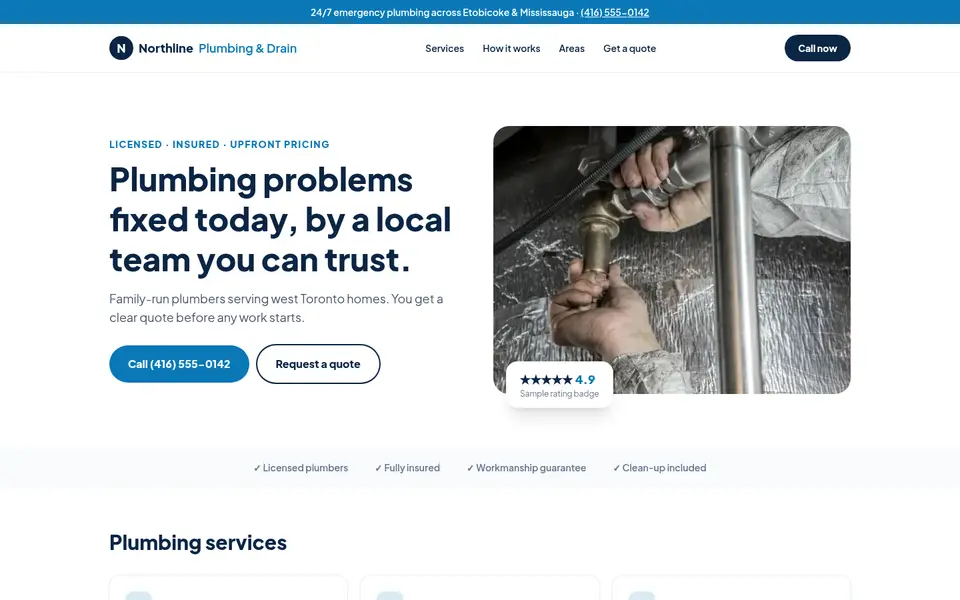

Clean corporate look for a family plumber: emergency strip, split hero with a rating card, and a quote form up top.
View full sample →


Same trade, opposite feel: giant condensed headlines, hard edges, numbered service rows and black-and-white photography.
View full sample →
All businesses shown are fictional sample designs. Photos: Pexels (free licence), credited on each sample.
EV charger demand and home renovations keep electrical work steady year-round, while home-buying season brings knob-and-tube and insurance-driven upgrade requests.
$500 CAD one-time to own it, or $0 upfront and $100 CAD/month on a 12-month managed plan. Plus HST where applicable.
Pay once. The site is yours.
Included: fully lead-optimized
$500CAD, one-time
Best if you already have hosting or want full control.
Start with Build & Own$0 upfront. We host, secure and update it for you.
Included: fully lead-optimized
$0upfront, then$100/mo
12-month agreement, CAD. Best if you want it done and handled.
Start with $0 upfrontIncluded on every plan: fully lead-optimized
Tracking built in: we connect Google Analytics, your Facebook or Google Ads pixel, and send every lead straight to your email, phone or CRM, included in every plan.
Included setup covers Google Analytics 4, installing your existing Meta (Facebook) or Google Ads pixel, call and form tracking, and lead notifications forwarded to your existing email, text (SMS) or CRM. When tracking is installed, every client site also includes a plain-language privacy policy and a cookie notice that holds analytics and ad pixels until the visitor accepts.
Quoted per project
Ad campaign tracking and CRM automations available as add-ons. The tracking included in every plan covers the basics; these are for businesses running ads or wanting automated follow-up.
Full ad conversion tracking
Meta Conversions API, Google Ads conversion events and offline/lead conversion setup for running campaigns.
Custom CRM workflows
Automations such as lead routing, follow-up sequences, pipeline stages and integrations beyond basic lead forwarding.
Ad management
Planning, launching and managing Google or Meta ad campaigns.
⏱ Free preview of your new website in 24 hours, or your first month is free.
Preview delivered within 24 hours of a complete request (business name, phone, trade and service area), counted from when we receive it (the clock pauses while we wait on any missing info from you). If we miss it, your first month on the $100/month Managed plan is free, or $100 off the $500 Build & Own site. One per business. No obligation to buy.
FAQ
Yes. Ontario homeowners can look up licensed contractors, and showing your licence number up front builds trust and filters out price-shoppers looking for unlicensed work.
The ones people search for by name: EV charger installation, panel upgrades, knob-and-tube replacement, pot lights, and generator or surge protection if you offer them.
Yes, with a short ‘Licensed, insured, permitted’ section explaining what that means for the homeowner’s safety and insurance.
Yes, on every plan ($500 Build & Own and $100/month Managed). Included setup covers Google Analytics 4, installing your existing Meta (Facebook) or Google Ads pixel, call and form tracking, and lead notifications forwarded to your existing email, text (SMS) or CRM. When tracking is installed, every client site also includes a plain-language privacy policy and a cookie notice that holds analytics and ad pixels until the visitor accepts. Full ad conversion tracking (Meta Conversions API, Google Ads conversion events) is available as an add-on, quoted per project.
Yes. Every plan includes sending each new lead from your site straight to your existing email, phone (text/SMS) or CRM, so nothing gets missed. Custom CRM workflows and automations, like lead routing, follow-up sequences or pipeline updates, are available as add-ons, quoted per project.
No. Every site is designed from scratch for that business, so no two clients in the same trade look alike. Layout, fonts, colours, navigation, photos and wording are chosen for your business, not copied from a template another client already uses. See our sample designs: two fictional plumbers that look nothing alike.
What electricians need from a website changes a little from one part of the GTA to the next. Here’s what we focus on in each area.
Knob-and-tube replacement and 100-amp-to-200-amp panel upgrades are core searches in older neighbourhoods.
Toronto web designPanel upgrades and added circuits for basement units and EV chargers are frequent requests.
Scarborough web designCustom homes need high-end lighting, smart-home wiring and large-service installs.
North York web designCommercial and light-industrial work near the 427 and 401 sits alongside residential upgrades.
Etobicoke web designEV chargers and panel upgrades in suburban garages are frequent requests.
Mississauga web designBasement finishing, pot lights, EV chargers and commercial work in Concord.
Vaughan web designHome offices, EV chargers and basement finishing drive electrical requests.
Markham web designWe’ll build it from your Google profile and reviews and send it within 24 hours, or your first month is free. You only pay if you want to keep it.
Free guides
Electrical · 3 min read
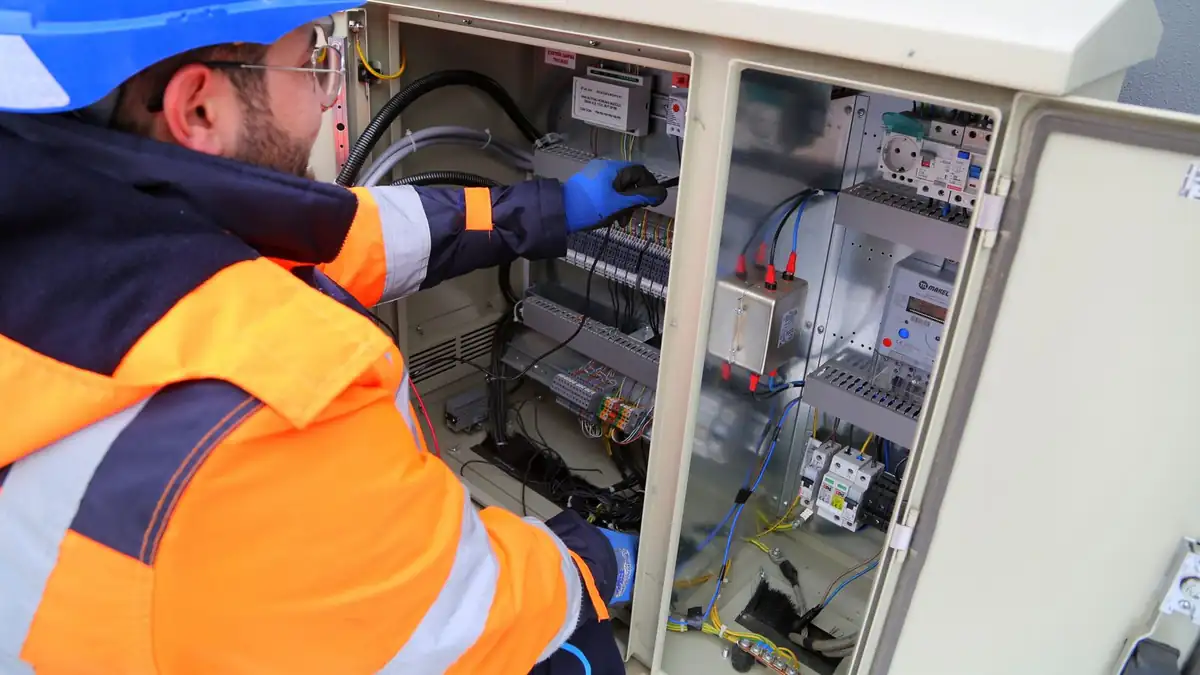
How Toronto and GTA electricians can use their ECRA/ESA licence number, permits and insurance on their website to stand out from unlicensed operators and win more calls.

Electrical · 3 min read
How Toronto and GTA electricians can build an EV charger installation page that answers owners’ questions about panels, permits, condo rules and quotes.
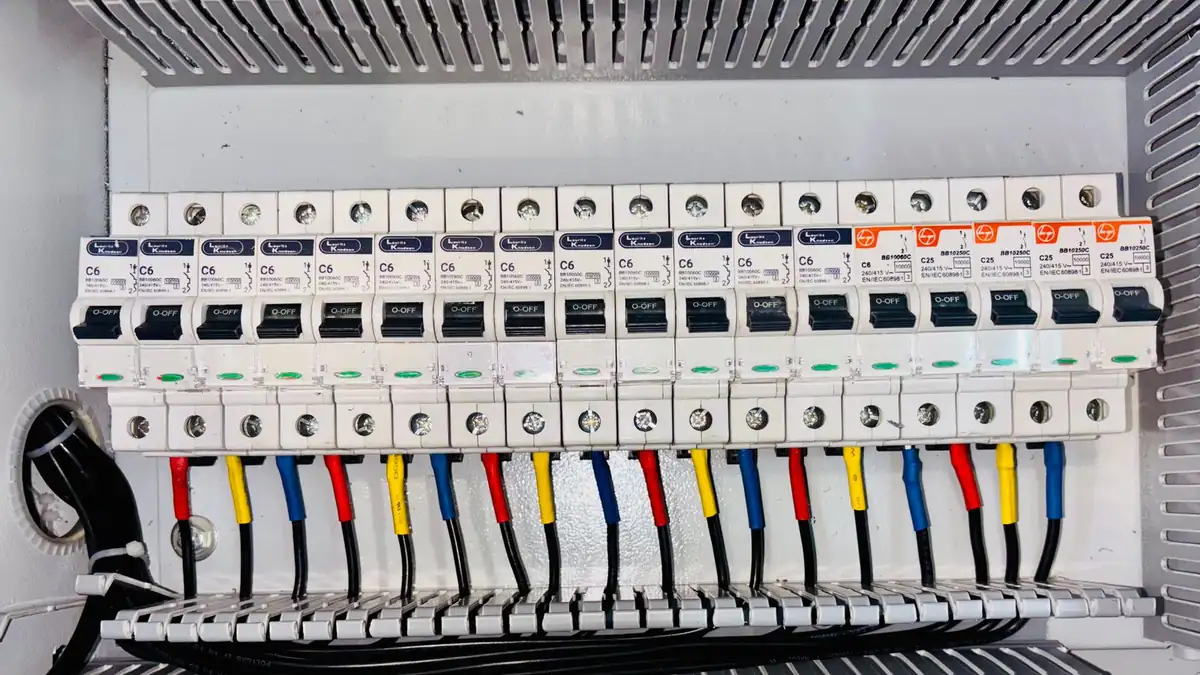
Electrical · 3 min read
How Toronto electricians can write panel upgrade and knob-and-tube replacement pages that speak to owners of older homes and buyers, and turn research into quote requests.
Tell us about your business and we’ll build a private preview of your new site within 24 hours. Keep it or walk away.