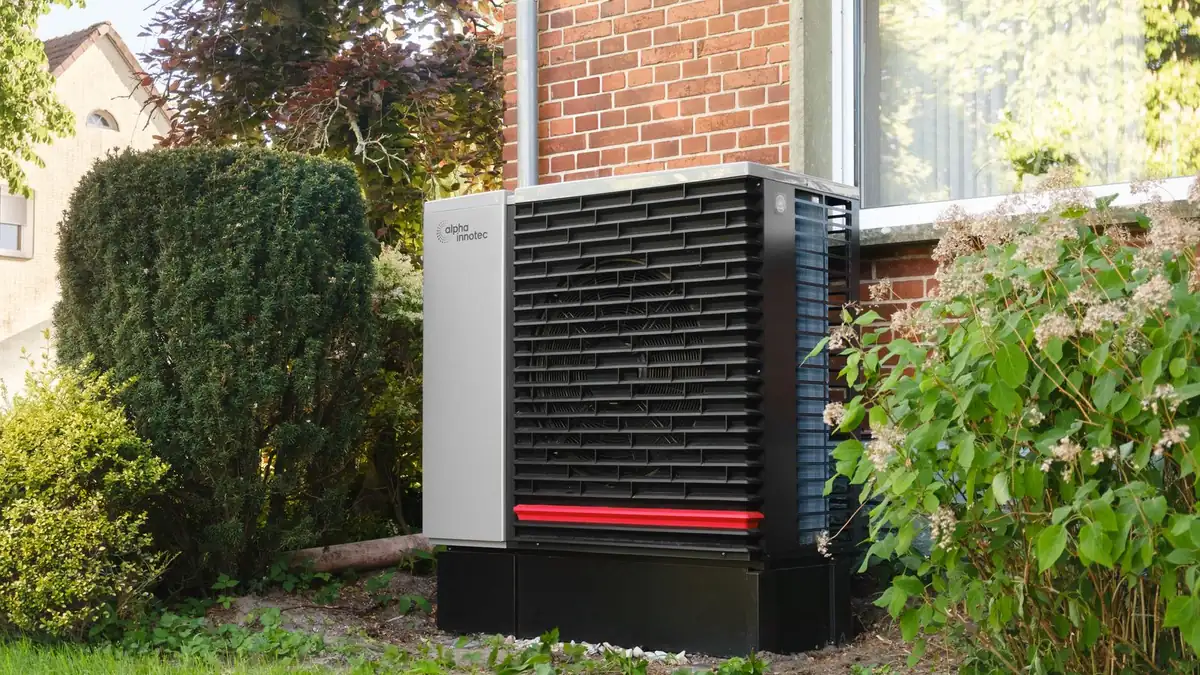
Key takeaways
- Build the furnace pages in early fall, so they’re indexed and tested before demand spikes.
- Ask for symptoms and furnace age in the form so your dispatcher can triage.
- Show safety credentials and honest response times right next to the call button.
Why prepare before the cold arrives?
When the temperature drops, ‘furnace not working’ and ‘no heat’ searches arrive in a rush, and homeowners call whoever looks credible first. New or updated pages take time to be crawled and settle in search results, so the best time to improve your furnace pages is late summer or early fall, not the night of the first freeze.
What should a ‘no heat’ page include?
- A short list of common causes homeowners can safely check (thermostat settings, breaker, filter), with a clear line on when to stop and call
- A big call button and a ‘Request a repair visit’ form
- How you charge for diagnostics and after-hours calls
- The neighbourhoods and cities you reach quickly
- Your TSSA registration, insurance and warranties
How should the booking form work?
Keep it short but useful for dispatch: address or postal code, symptoms (no heat, short cycling, strange noise, smell), furnace age if known, and best callback number. That lets you prioritize a family with no heat over a routine noise complaint. Every HVAC site we build includes a lead-qualifying form like this, with call and form tracking.
What safety and trust signals matter for furnace work?
Homeowners letting someone work on gas appliances want reassurance. In Ontario, fuels contractors are registered with the TSSA, and homeowners can look up authorized heating fuel contractors (opens in a new tab). Say you’re registered, show your registration details, and link to that lookup. Pair it with your real Google rating and a few recent furnace-repair reviews.
How do I make furnace pages local?
Mention the areas you serve and the housing you see there, accurately. Older homes across Toronto and post-war bungalows in Scarborough or North York often mean different equipment and ductwork than new builds. Specific, honest detail reads better than ‘serving all of the GTA’.
Tip: Add a seasonal banner from October to March that links straight to your furnace repair page, and take it down in spring for an AC banner.
Frequently asked questions
Should my HVAC website show diagnostic fees?
If you can, yes. Even a range or a clear explanation of how you charge reduces price-shopping calls and builds trust with the callers you want.
Is one ‘Heating’ page enough?
Usually not. Separate pages for furnace repair, furnace installation and maintenance match what people search for and let each page answer a specific need.
When should I update my furnace pages?
Before demand peaks: late summer or early fall. That gives search engines time to recrawl and you time to test the forms and call tracking.
Sources & further reading
- authorized heating fuel contractors (tssa.org)
Programs, rules and platform guidelines change. Always check the official source before acting. This article is general information, not legal advice.