Key takeaways
- A photo-upload form lets you triage storm calls before you send a crew.
- Explain what you can do immediately (tarping, temporary repairs) vs. later (full repair).
- Be honest about wait times during storm surges. It protects your reviews.
What happens online after a storm?
Homeowners see missing shingles or a leak, search for help, and call several roofers at once. Many roofers are overwhelmed for days. The ones with a clear storm-damage page and an easy way to send photos get the jobs they can actually schedule, and avoid wasted trips.
What should a storm-damage page include?
- A call button and a short form with photo upload (roof, ceiling stains, debris)
- What you do first: inspection, emergency tarping or temporary repairs
- How you prioritize calls during a surge (active leaks first)
- Plain guidance on documenting damage for insurance
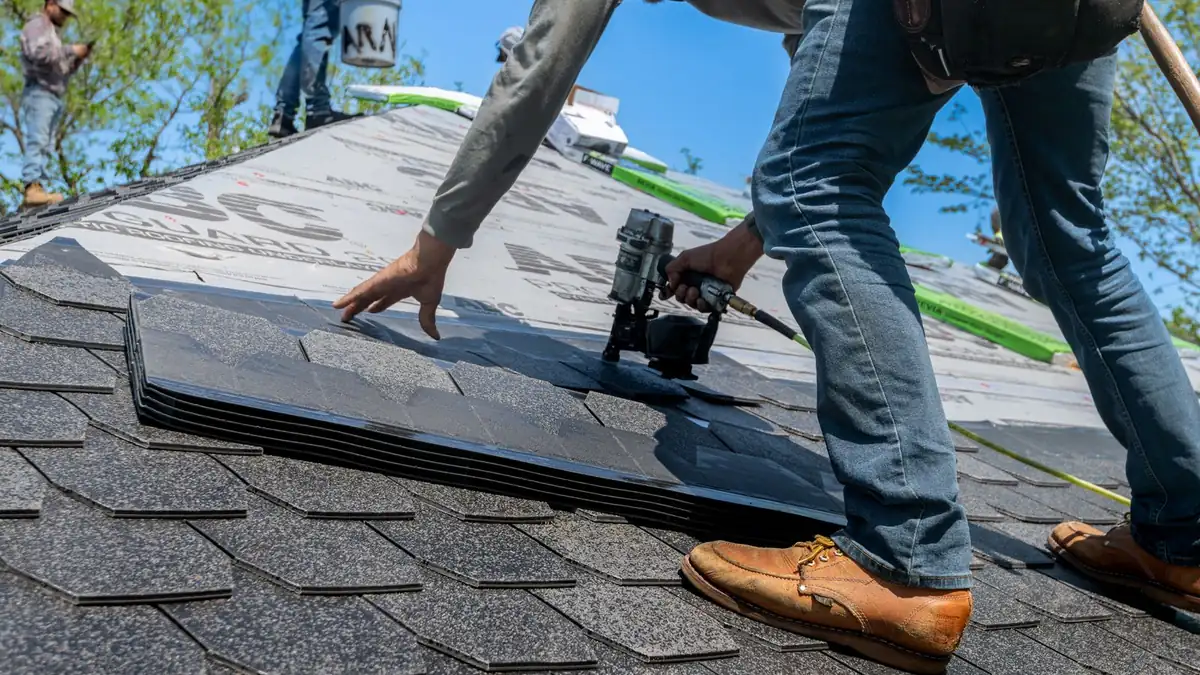
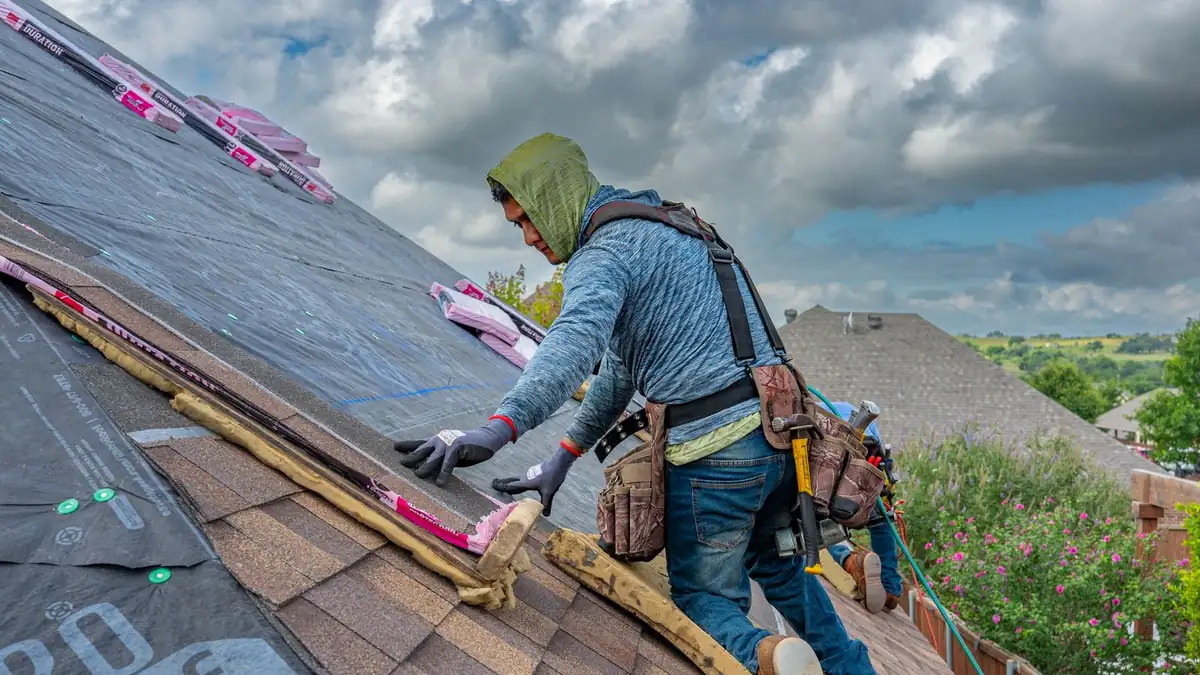
- Your licence, insurance and real storm-repair photos
How should I talk about insurance?
Keep it factual. Explain that homeowners should document damage with photos, contact their insurer, and keep receipts for emergency work. Don’t promise that a claim will be approved or suggest inflating damage. The Insurance Bureau of Canada (opens in a new tab) has general home insurance information you can link to.
How can I keep storm traffic from crushing my schedule?
Use the form to sort calls: active leak, visible damage without a leak, or ‘just want an inspection’. Your website can show a short, editable banner during storm surges with honest timing, for example ‘High demand after Saturday’s storm: inspections booking 3–5 days out, active leaks prioritized’. Every roofing site we build includes an editable banner and a photo-upload quote form.
How do I make storm pages local?
Mention the areas you serve and keep it accurate. Tree-lined streets in parts of Etobicoke and Scarborough can mean branch damage after high winds, while flat roofs on older Toronto semis bring different leak problems. Only describe what you really see on your jobs. Environment Canada’s weather alerts (opens in a new tab) tell you when to switch your banner on.
Frequently asked questions
Should a roofing website offer 24/7 emergency service?
Only if you really provide it. If you offer emergency tarping during business hours plus limited after-hours service, say exactly that.
Do photo uploads really help roofers?
Yes. Photos let you judge urgency, prepare materials and quote faster, and they cut down on unnecessary site visits.
Can I help customers with insurance claims?
You can document damage and provide estimates. Leave coverage decisions to the insurer and avoid promising outcomes.
Sources & further reading
- Insurance Bureau of Canada (ibc.ca)
- weather alerts (weather.gc.ca)
Programs, rules and platform guidelines change. Always check the official source before acting. This article is general information, not legal advice.